For Game Stores
Setting Your Store Up
Account to join code in four steps, and then the three things worth doing before your second event. You only do any of this once.
The four-step setup
Go to lgs.turnzerohq.com and sign in, or make an account if the shop does not have one. Everything below happens in the browser; there is nothing to install.
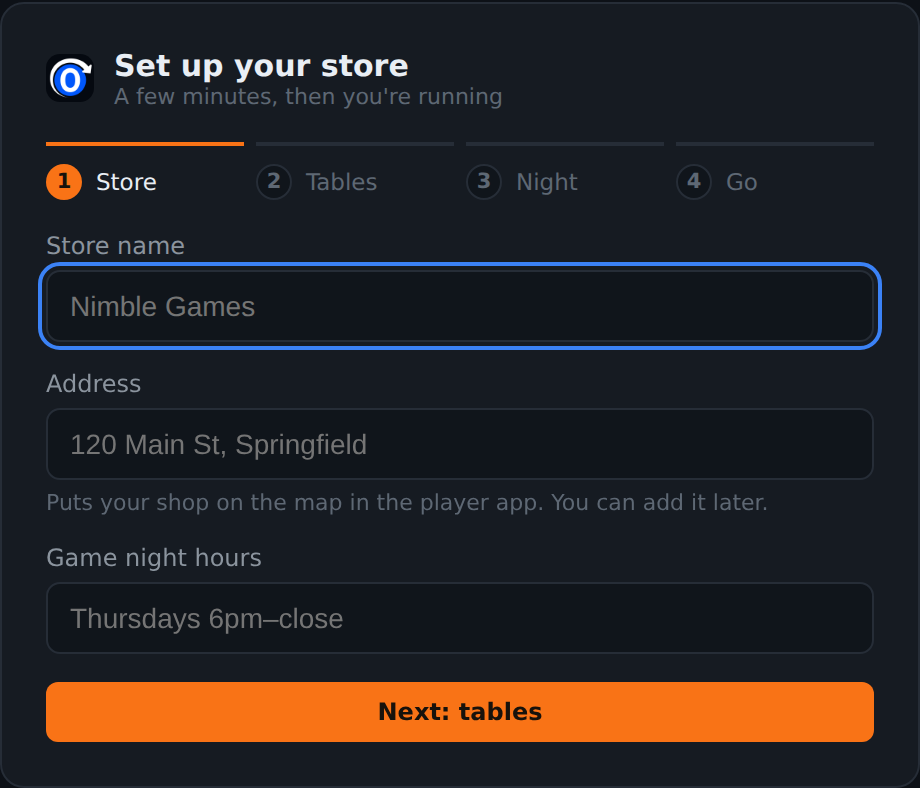
1 Name the store
The name is what players see on the wall display and on your store's page in the app. The address is worth typing the way a maps app would find it, because tapping it in the app opens directions. Hours are freeform: "Mon-Thu 12-9, Fri 12-11" is a perfectly good answer.
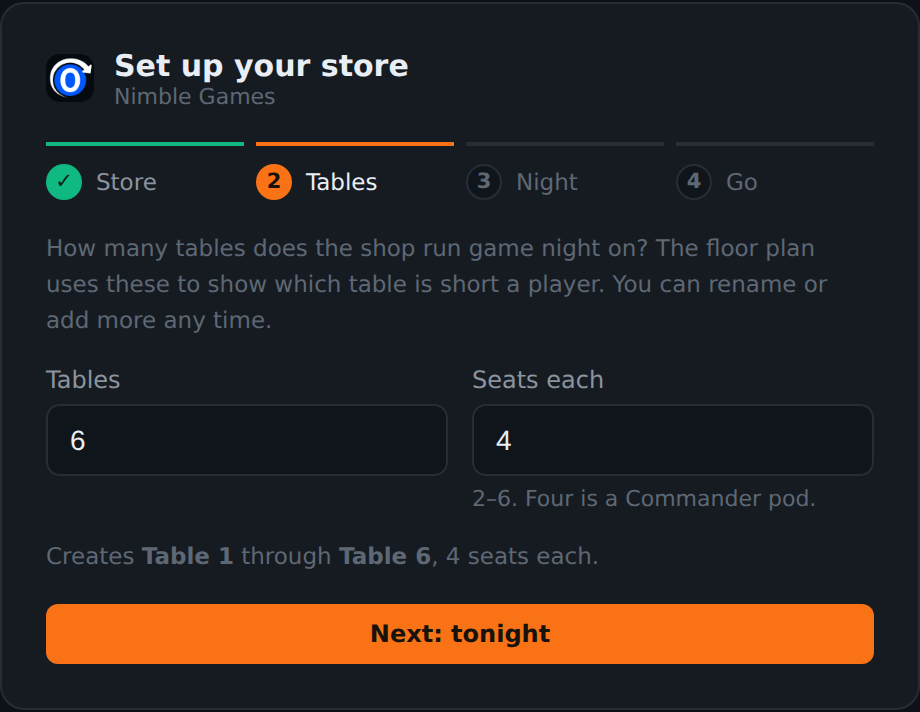
2 Add your tables
How many tables do you run events on, and how many seats does each one have. Four is a Commander pod. This creates Table 1 through Table N, which you can rename, add to or remove at any time on the Tables screen.
Count the tables you actually seat people at rather than every surface in the shop. The floor plan uses this number to tell you which table is short a player, so a table that is really a display case makes that answer worse.
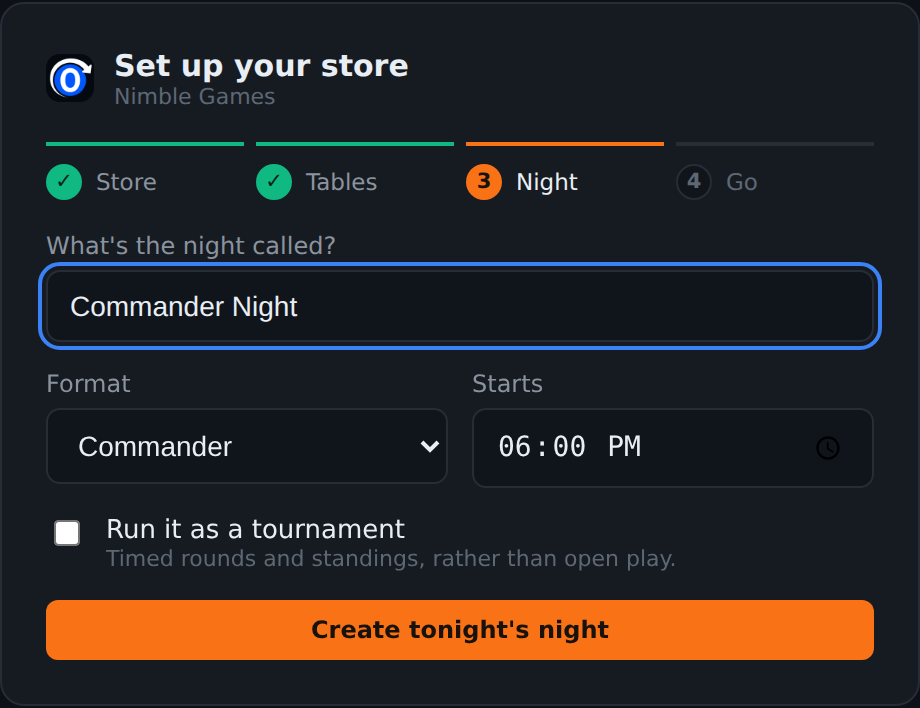
3 Schedule tonight
Name the event the way your regulars name it. "Wednesday Commander" is better than "Event 1", because it is the string that shows on the wall display and in the app for anybody deciding whether to come.
Pick the format, set a start time, and decide whether it runs as a tournament, which means timed rounds and standings rather than open play. A Commander event is almost always open play; a draft or a Standard event usually is not.
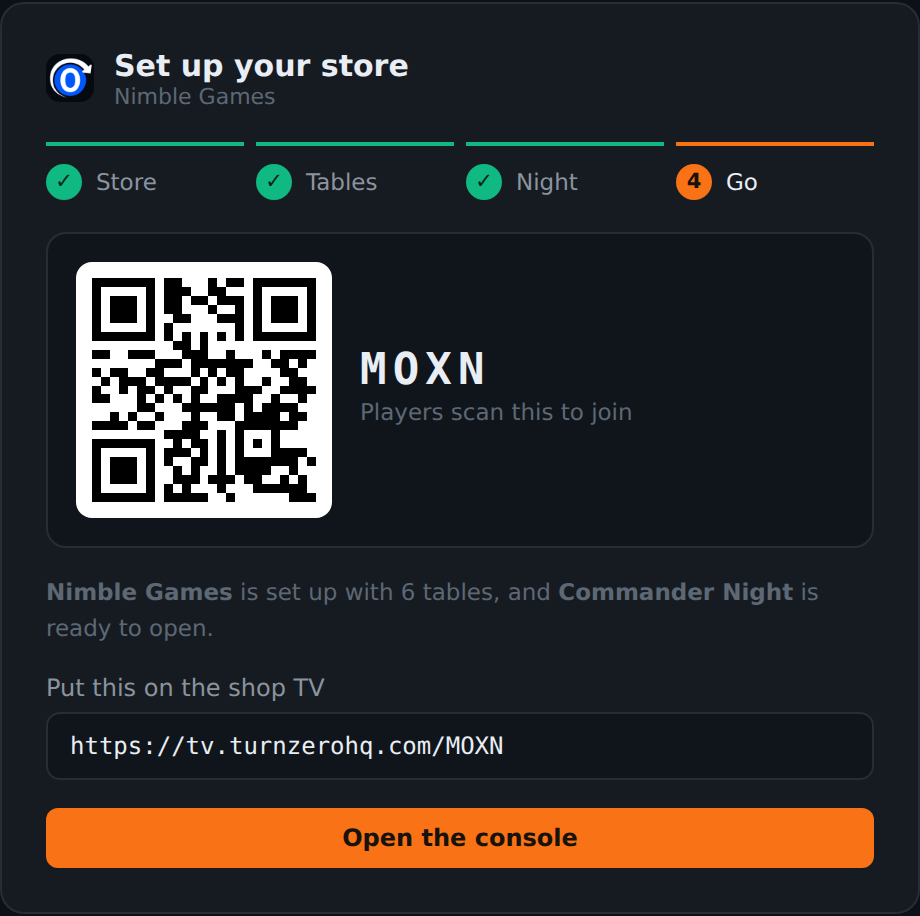
4 Take the code and the TV link
The last step hands you two things: a four-character join code with a QR beside it, and the URL for the wall display. Both are worth having somewhere permanent before the doors open.
Splitting the room into sections
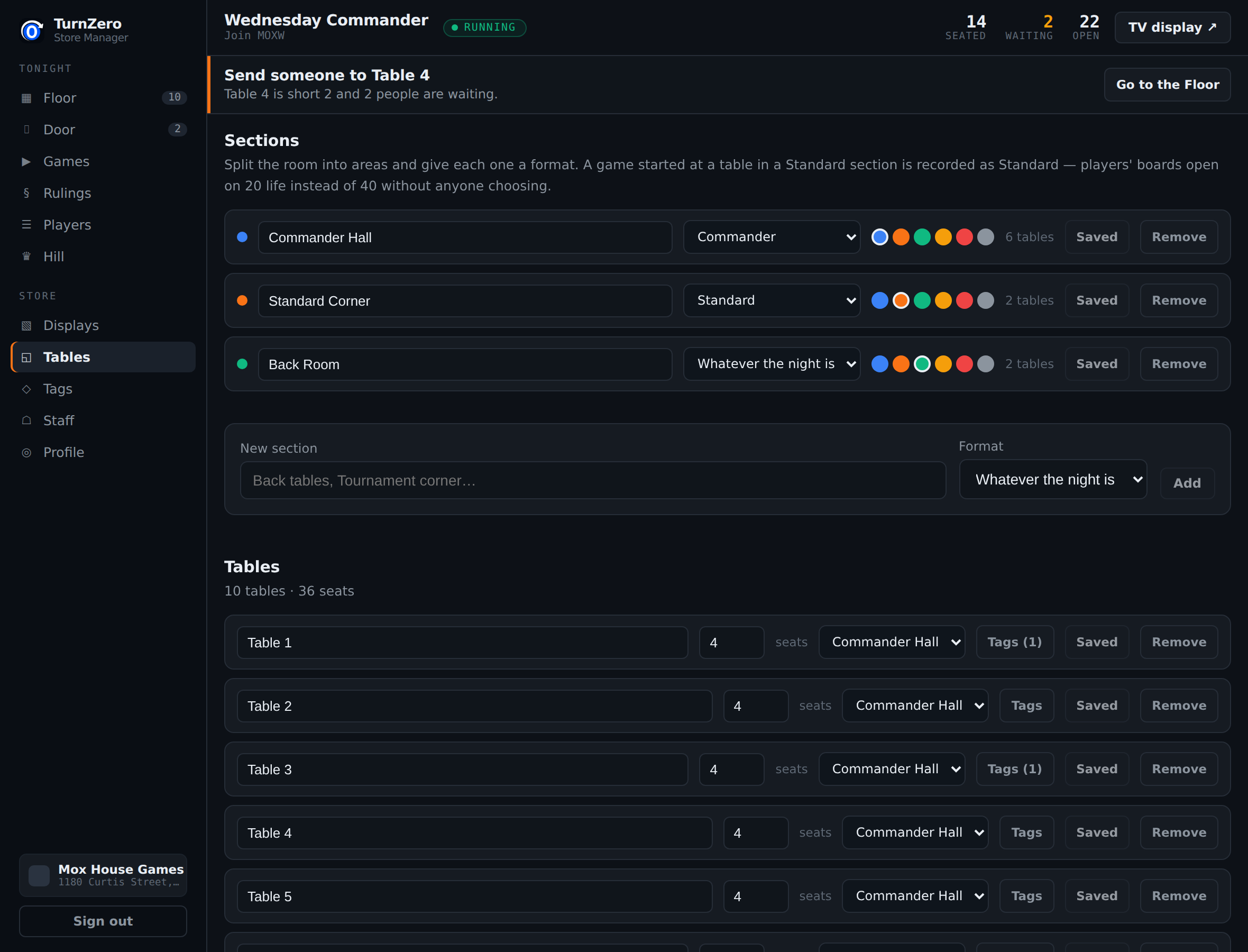
A section is an area of your floor with a name and a format: "Commander Hall", "Standard Corner", "Back Room". It is optional, and it becomes useful as soon as you run two formats in one evening.
The reason it is not decoration: a game started at a table in a Standard section is recorded as Standard, so those players' boards open on 20 life instead of 40 without anybody choosing. A section with no format inherits whatever the event is running, which is the right answer for a room that only does one thing.
Tags, and the one thing they are not
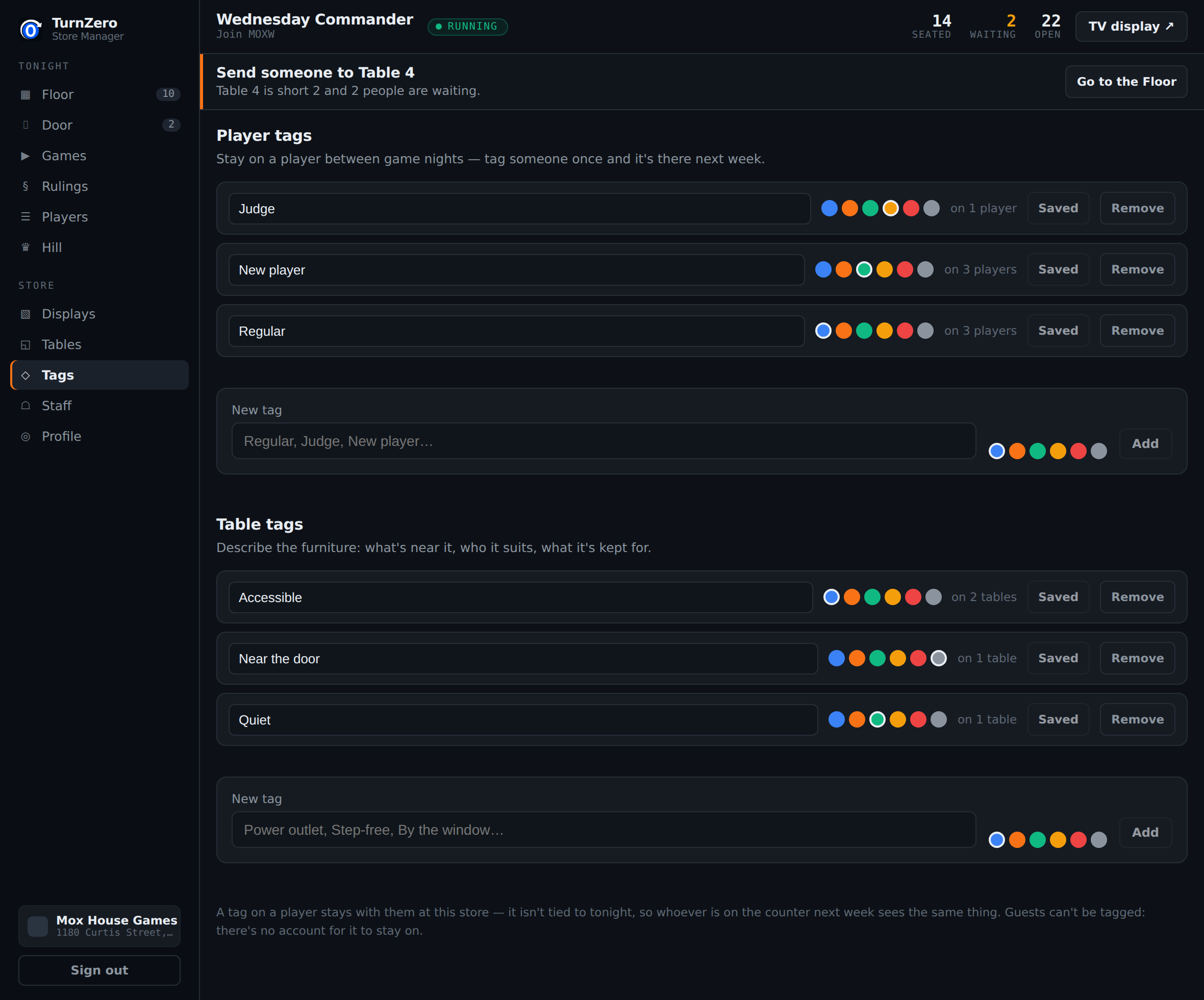
A tag is a free-form label with a color. Tables get things like "Near the door", "Accessible" or "Quiet". Players get things like "Regular", "New player" or "Judge".
A player tag is not tied to any event, so if you mark somebody a judge in March, whoever is on the counter in November still sees it. That is also why tags and sections are two different mechanisms rather than one. A table is in exactly one section and it carries that section's format; a table can carry as many tags as you like and none of them decides anything.
Who else can run an event
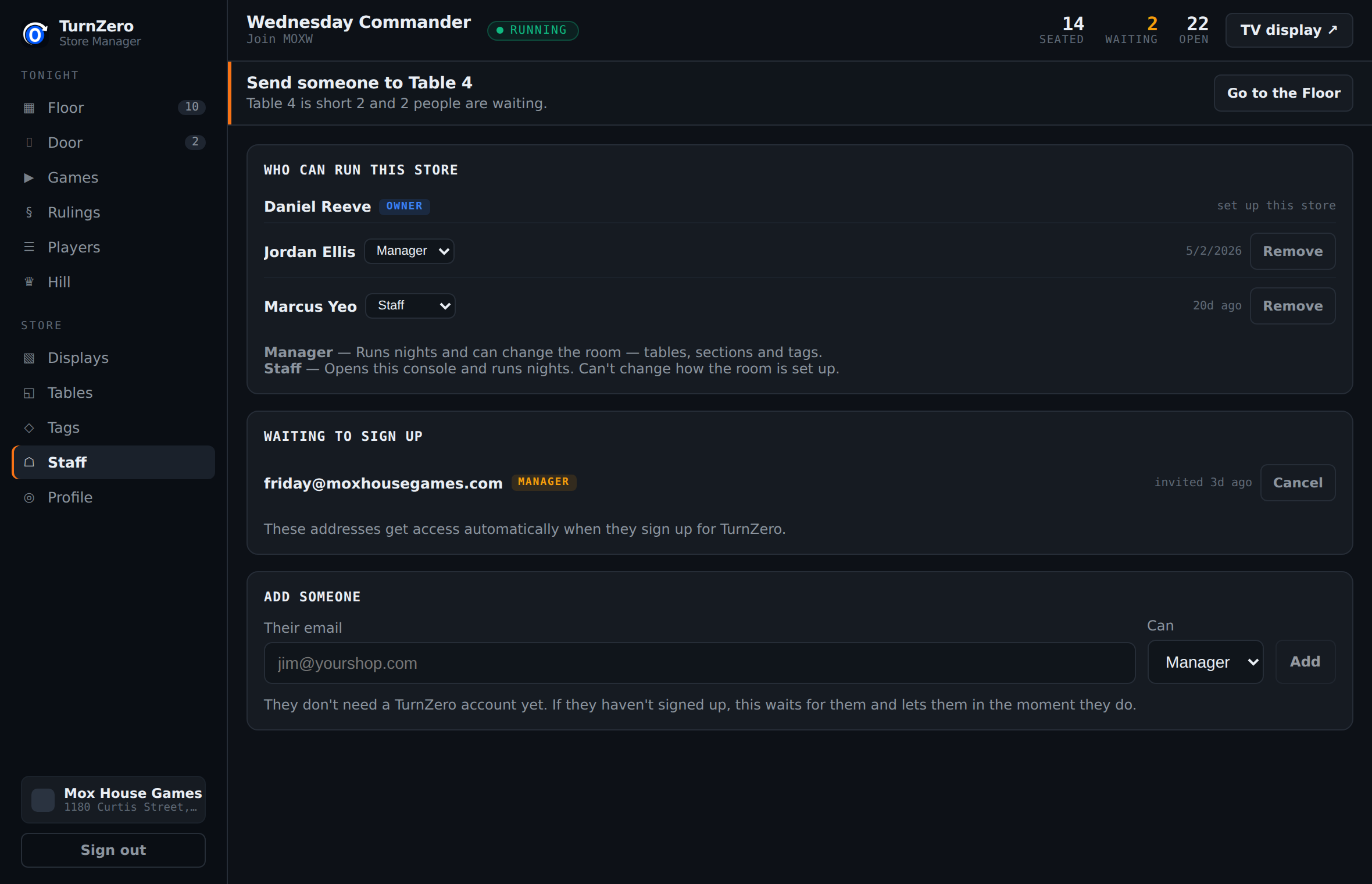
Add whoever works Friday by email address. An address that already has a TurnZero HQ account gets access immediately; one that does not is held as a pending invite that takes effect the moment they sign up, so you can add somebody before they have got round to making an account.
Two roles. A manager runs events and can change the room, meaning tables, sections and tags. Staff open the console and run events but cannot rearrange the floor. The owner is whoever set the store up and is the one entry with nothing to change.
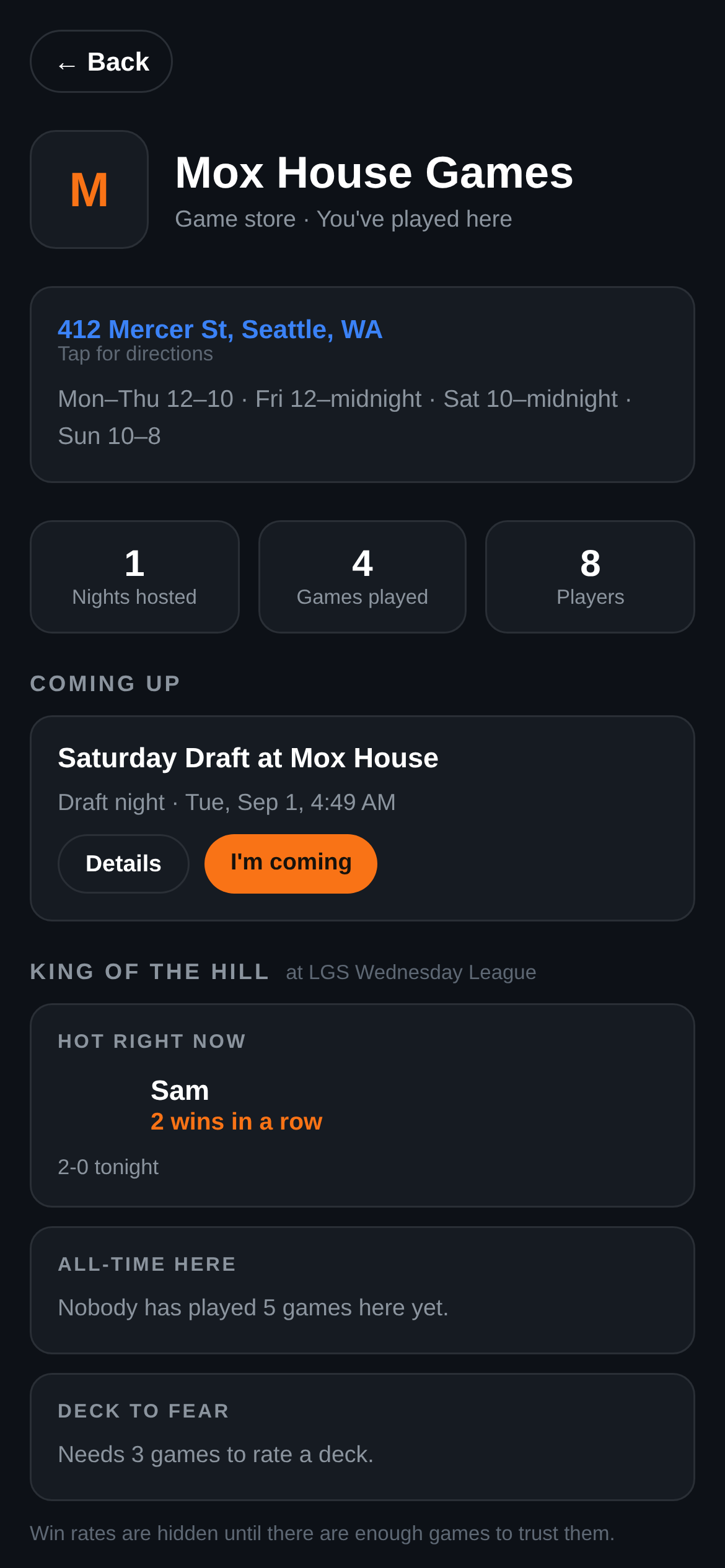
Your store's page in the player app
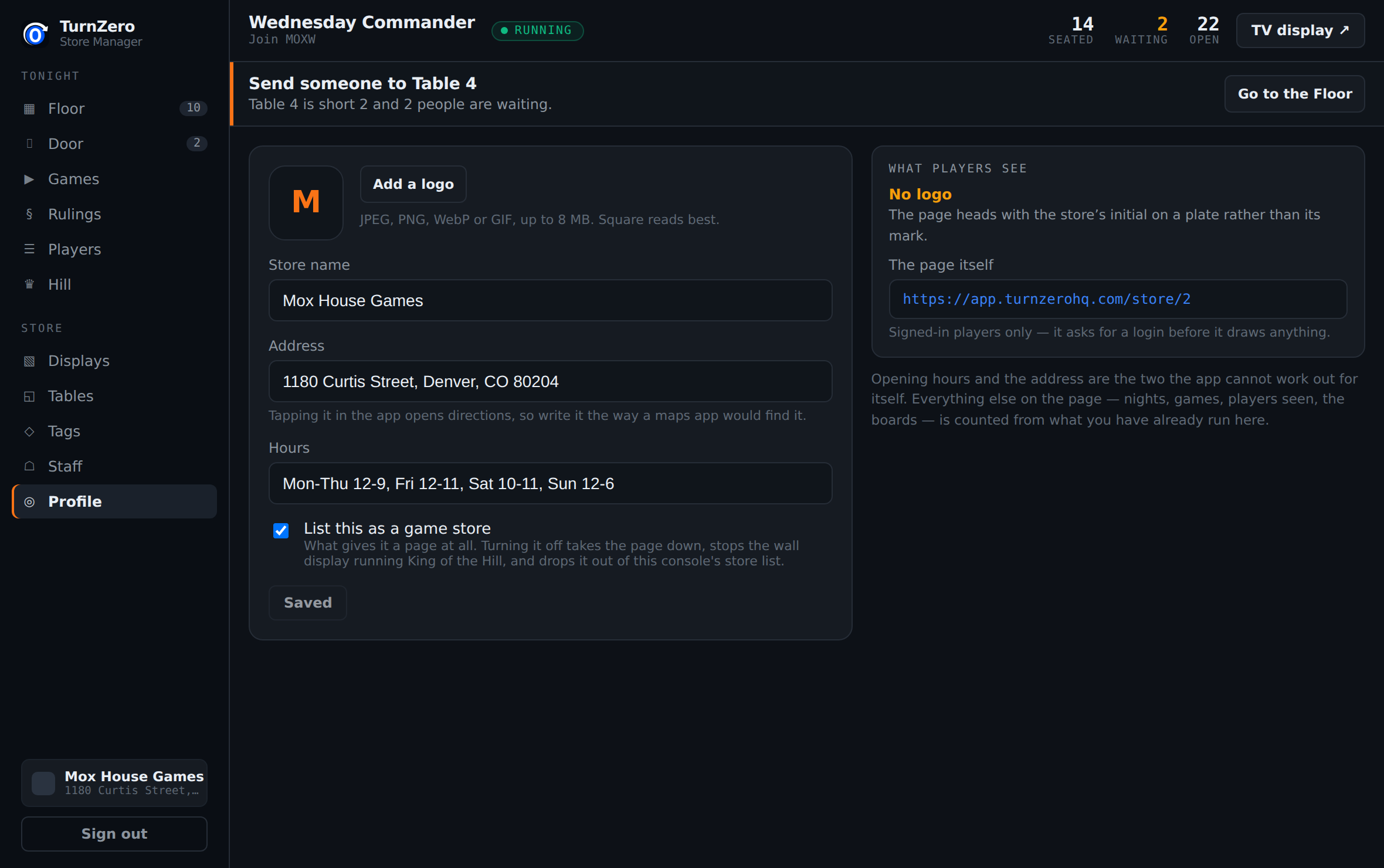
Every store gets a page in the app: where you are, when you open, what is on this week, and who is winning there. Players reach it from any event they are in at your shop, and it is the page a poster in the window can point at.
Only two things on it are yours to type. The address and the hours are the ones the app cannot work out for itself; everything else is counted from events you have already run. The Profile screen tells you what the page currently says when a field is empty, which is worth reading, because a store owner never sees their own page.
The two screens
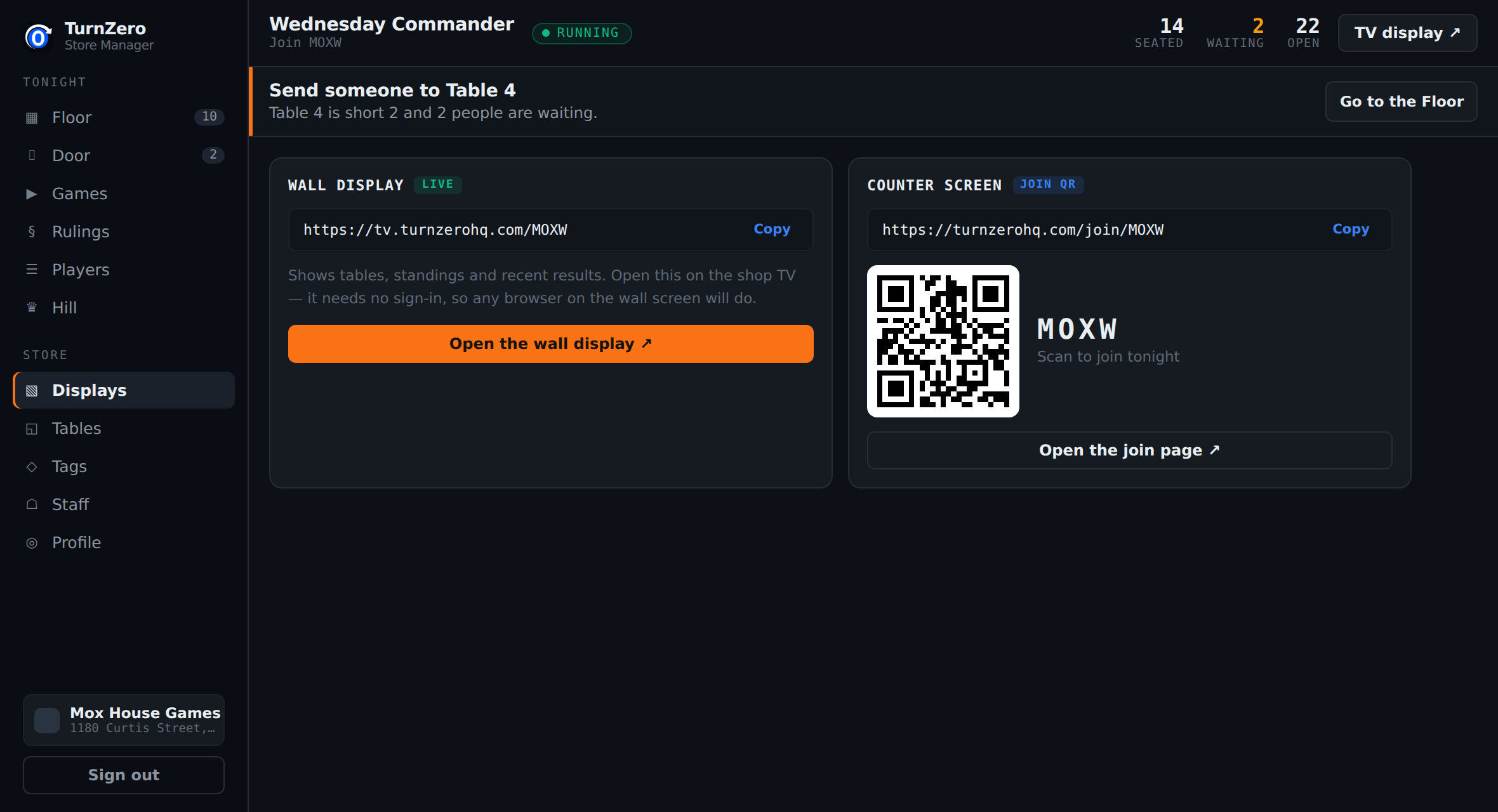
The Displays screen holds both URLs so nobody has to remember either. The wall display is the one to set up before your first event: open it once on the shop TV, leave the tab there, and it picks up each event's code on its own as long as the code has not changed.
The counter screen is the join page with the QR on it, and Present mode fills the screen with just the code, which is what a second monitor facing the counter wants.
How long does setting a store up actually take?
The wizard is four steps and most shops finish it in under ten minutes. Sections, tags and staff are worth another ten minutes at some point, but none of them is needed before your first event: a store with tables and an event is already running.
Do I have to get the table names right the first time?
No. The wizard creates Table 1 through Table N and you rename them on the Tables screen whenever you like. Use whatever your regulars already call them, because the name on the console is the name your host shouts across the room.
What happens if I turn off 'List this as a game store'?
The store's page in the player app 404s, the wall display stops running King of the Hill, and the store drops out of the console's own store list. It is the switch that makes a store a store rather than a private playgroup, so it is the one setting on the Profile screen worth reading twice.
Can I set the store up from my phone?
The console is built for a counter machine with a keyboard, so setup is a desktop job. Once it is done, the parts of the event your players touch are all on their phones, and the wall display needs no sign-in at all.
Set your store up now.
Four steps from the sign-in page to a join code on the wall. Nothing to install, and nothing your players have to pay for.
Open the Store Console