Feature
MTG Card Scanner: Scan Cards Straight Into Your Deck
Building or updating a 100-card Commander deck by searching and adding cards one at a time is slow. With TurnZero HQ's card scanner, you point your camera at a card (or a whole stack of them) and it goes straight into your decklist.
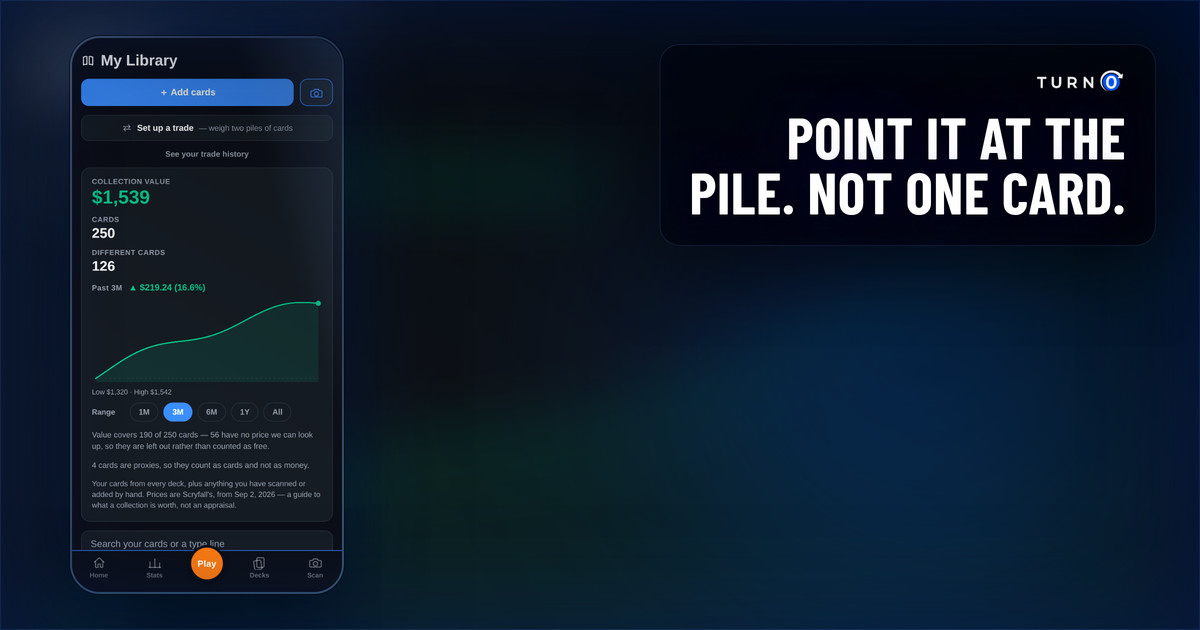
The problem it solves
Building a Commander deck means adding 99 other cards on top of your commander. Searching for each one by name and tapping it into your list works, but it's slow, especially if you're building from a pile of cards already sitting in front of you.
TurnZero HQ's card scanner skips the search bar entirely. If the card is in your hand, it can be in your deck in seconds.
How it works
Open the deck builder and tap the card scanner instead of searching by name.
Point your camera at a single card, or lay out several cards and scan the whole stack at once.
TurnZero HQ identifies each card and matches it against Magic's card database.
Review the results. Confirm each card is right, or remove anything misread.
Confirmed cards get added straight to the decklist you're building. No typing card names one at a time.
Scan one card, or a whole stack
The scanner works either way. If you picked up a single new card for the deck, scan just that one. If you're sorting through a binder or a stack of cards you're brewing with, lay several out and scan them together in one shot. It uses the same recognition TurnZero HQ uses to read a full board of cards for Board State.
Prices are coming
The scanner doesn't show card prices yet. That feature is being built. Once it ships, scanning a card will surface its price alongside identifying it, so you'll know what a card is worth the same moment it lands in your decklist.
Who this is for
Anyone building or updating a deck from a physical collection instead of a spreadsheet
Players who'd rather scan a stack of cards than type 99 names into a search bar
Anyone brewing at the kitchen table with cards already spread out in front of them
Frequently Asked Questions
Can TurnZero HQ scan Magic: The Gathering cards?
Yes. From the deck builder, TurnZero HQ's card scanner identifies physical cards through your camera and adds them straight to the deck you're working on, instead of searching and adding each one by name.
Can I scan more than one card at a time?
Yes. You can scan a single card for a quick add, or lay out a stack of cards and scan them all in one shot. Both work from the same scanner.
Does the card scanner show prices?
Not yet. Pricing is being added and is coming soon. Today the scanner identifies cards and adds them to your deck; price data will show up alongside that once it ships.
Do I need to already own the cards to add them to a deck?
No. Scanning is the fastest way to add cards you have in hand, but you can still search and add any card by name in the deck builder whether or not you own a physical copy.
Build your next deck with your camera, not a search bar.
Scan a card, or a whole stack of them, and get straight to playtesting.
Create Free Account